
WIP: wrkflow
PAGE WORK IN PROGRESS - A habit and task scheduling app for turning repeatable routines into clear daily plans, time-blocked tasks and end-of-day reviews.
Build log + screenshots
Theming
Accent themes change the app mood without changing the workflow
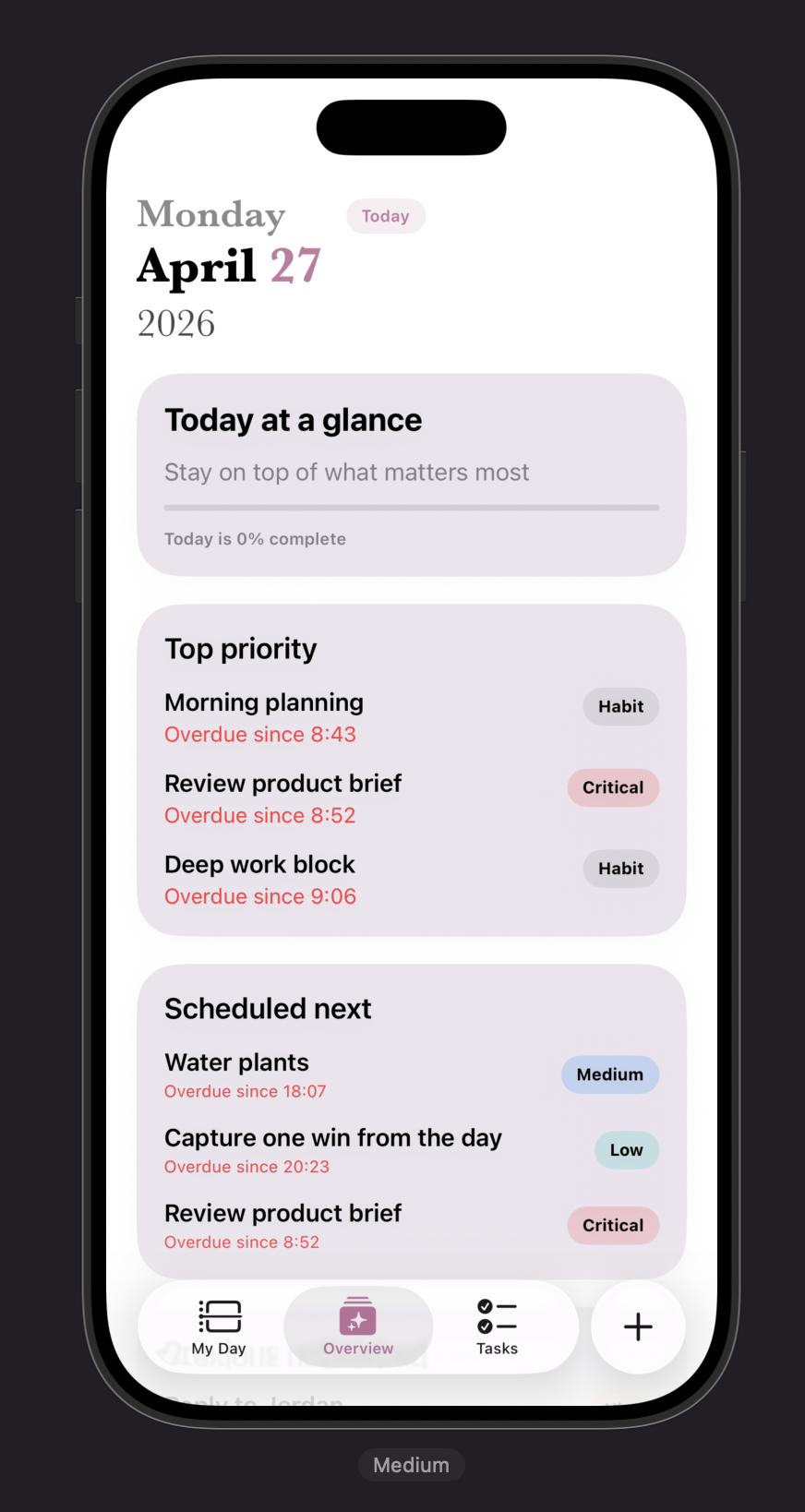
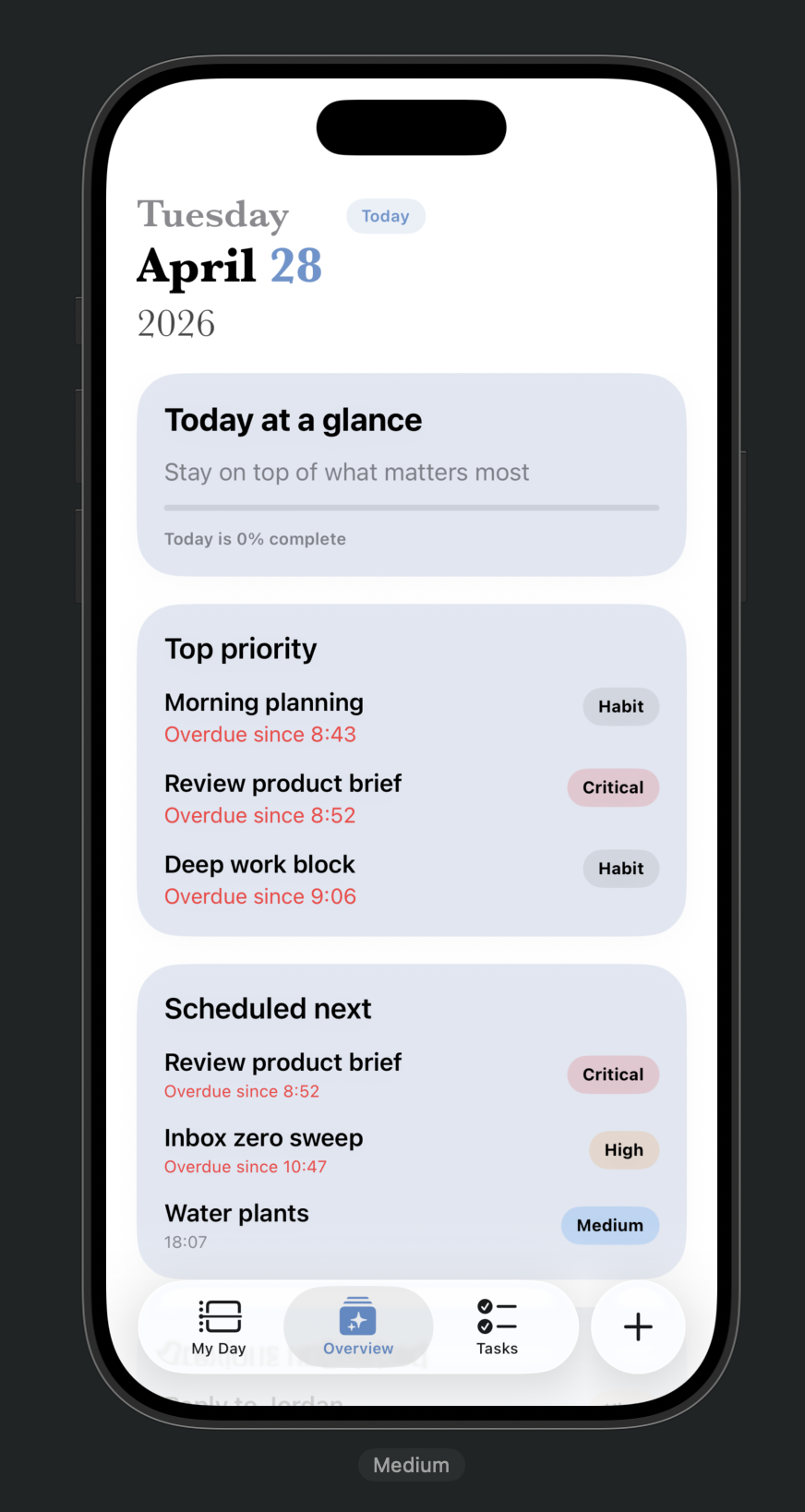
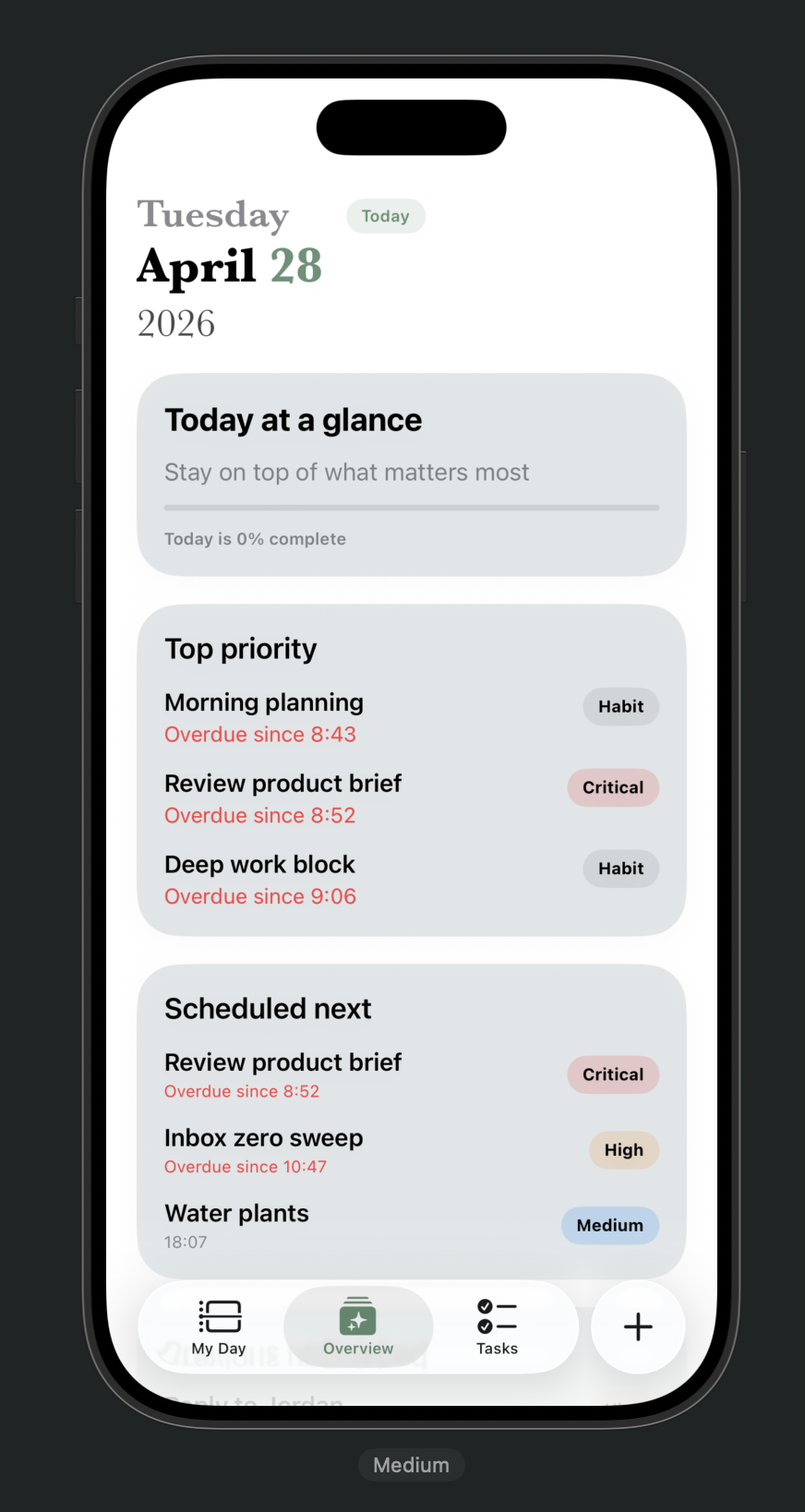
Theme passes keep the same overview hierarchy while swapping the accent colour across forest, ocean and rose palettes.
Functionality
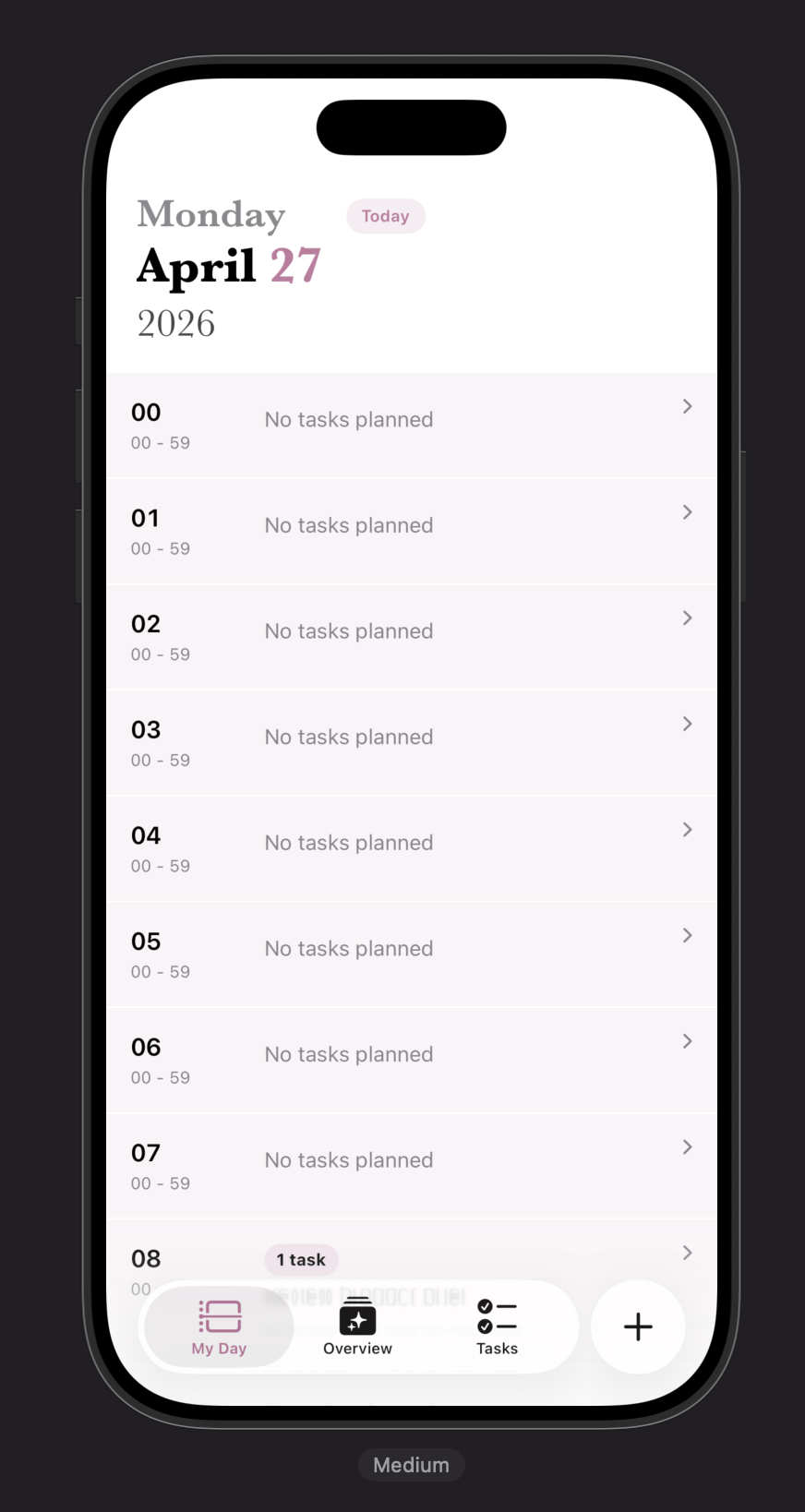
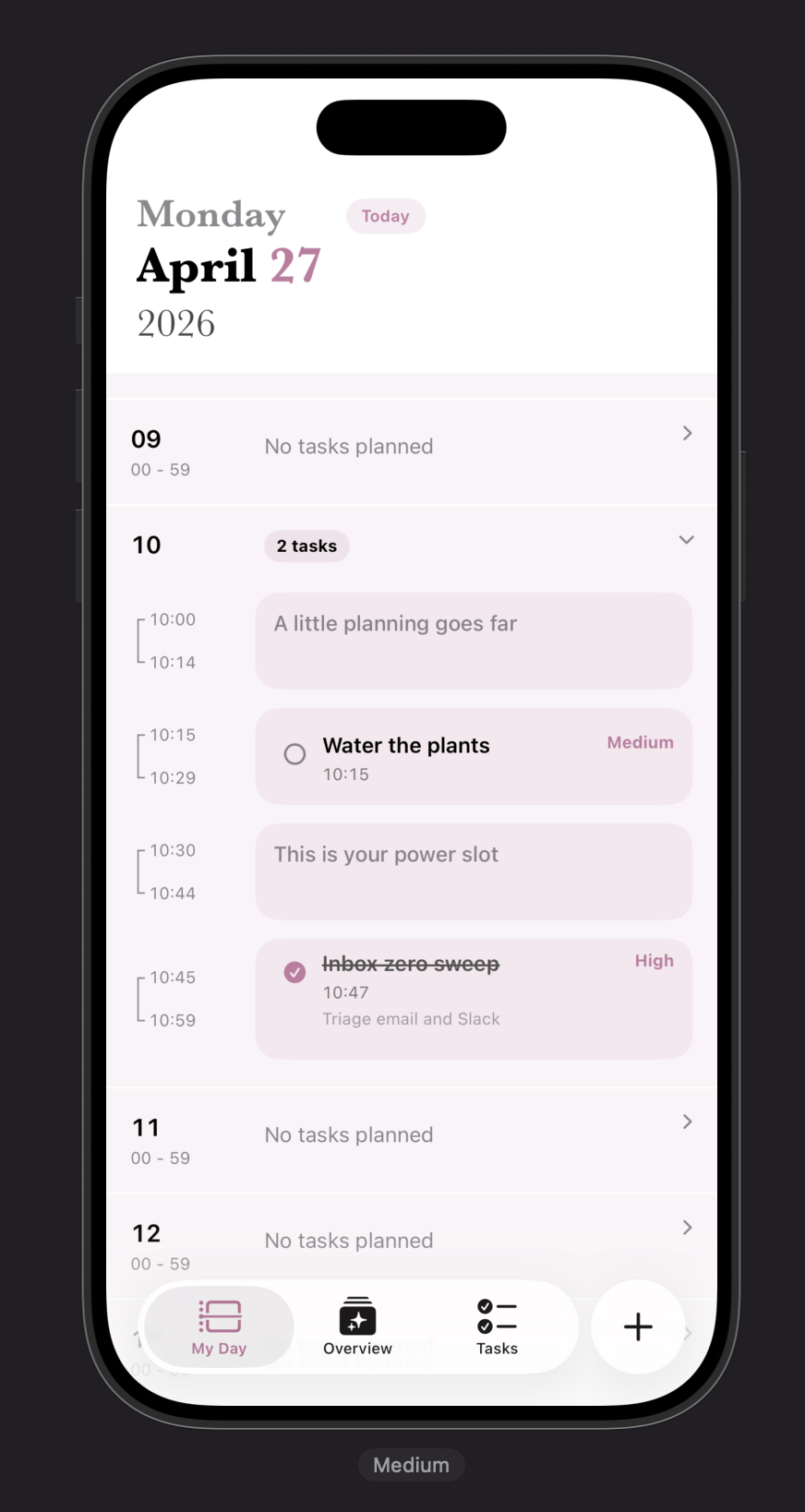
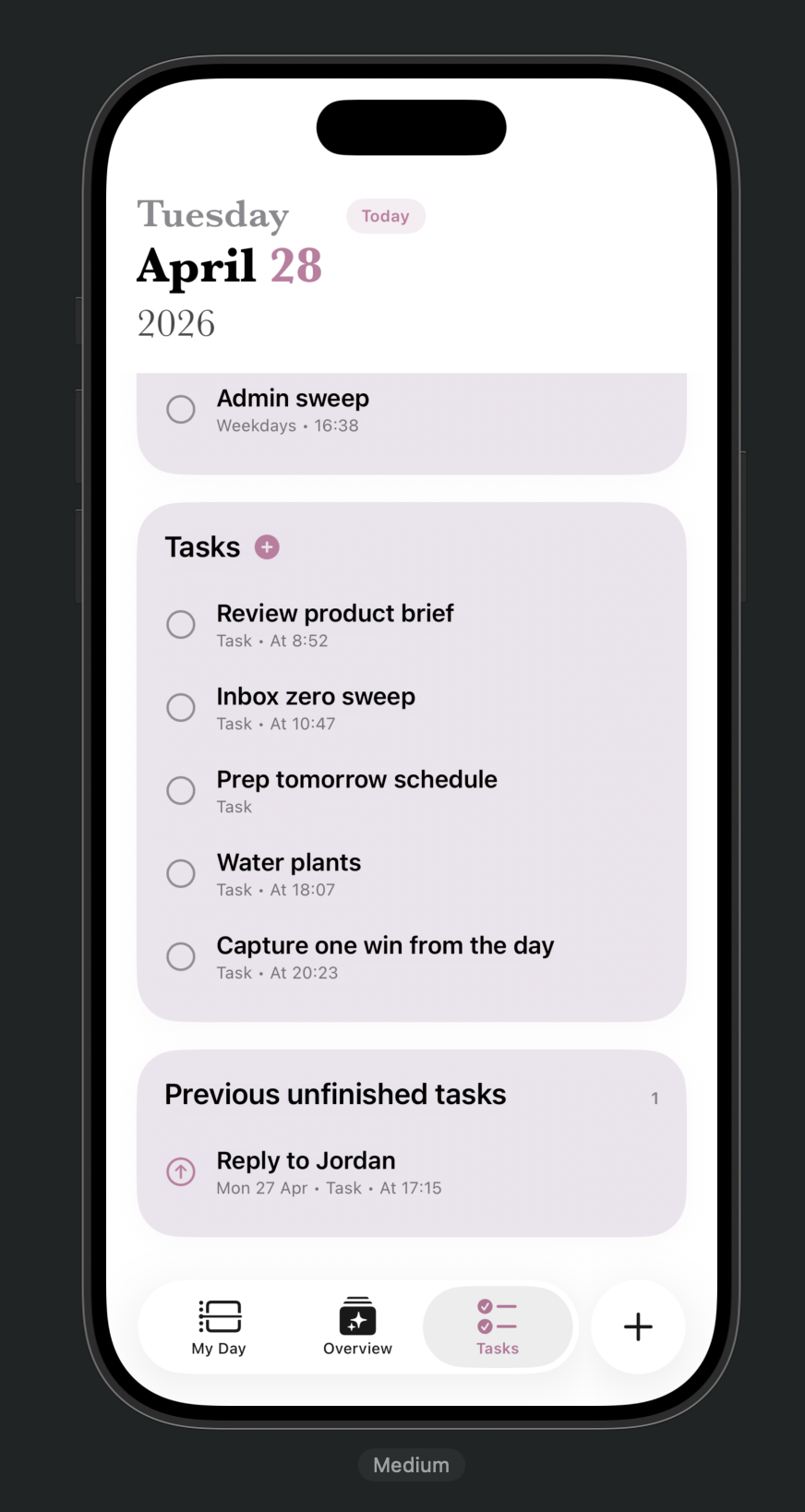
Daily planning links timeline, tasks and carry-forward
Core screens show the day plan, expanded time blocks and unfinished work carried into today.
Settings, drawers + sheets
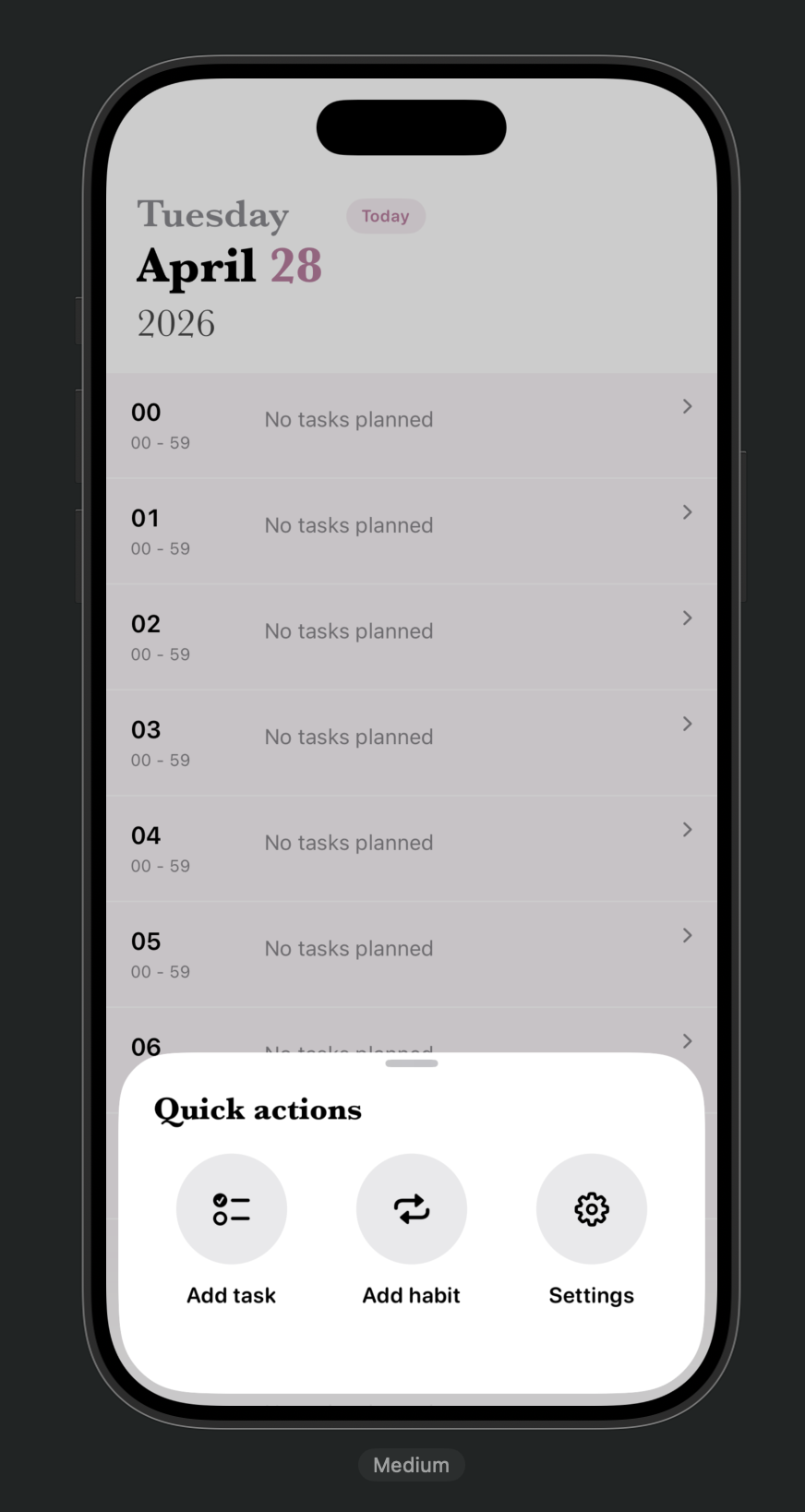
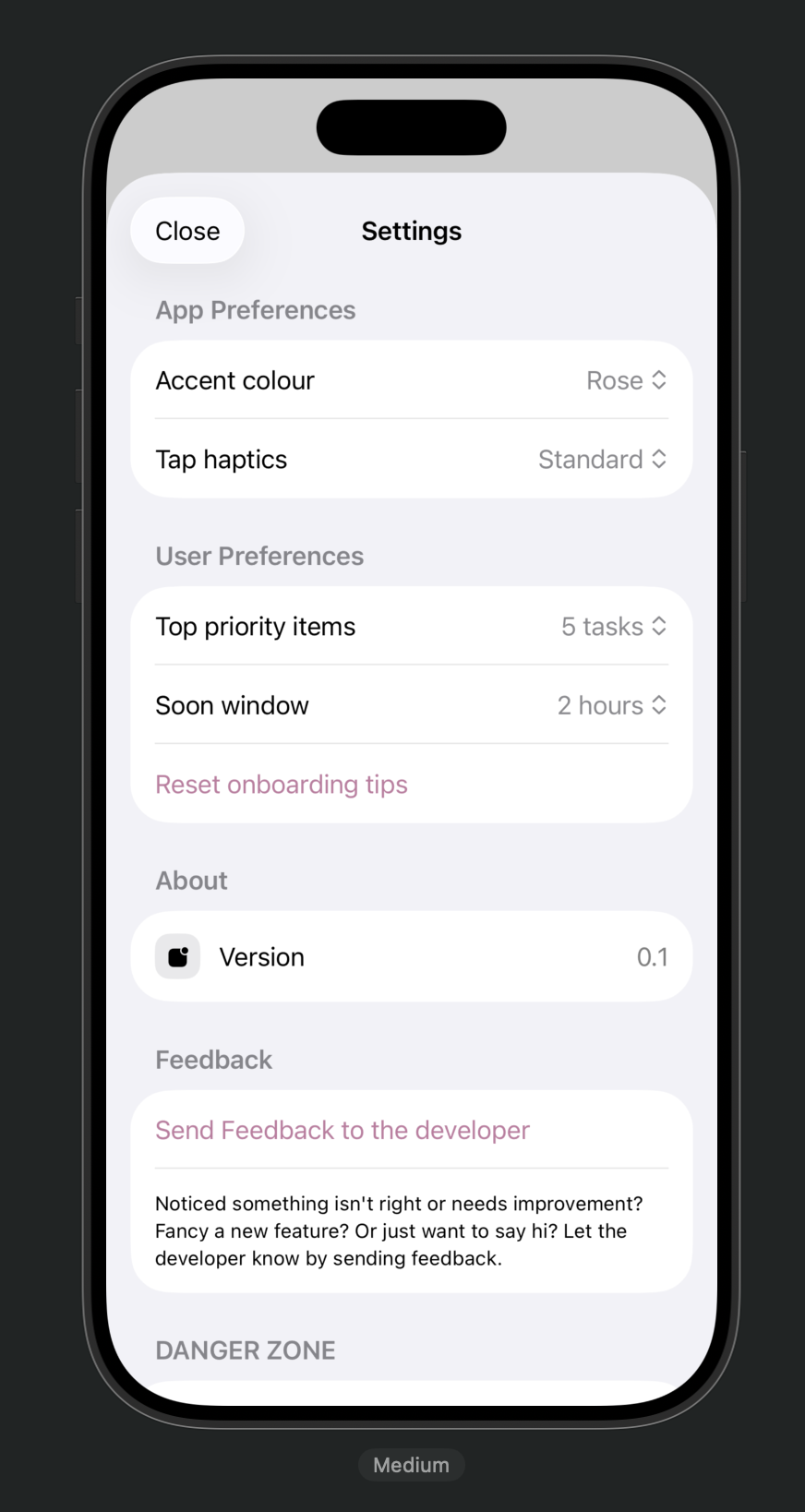
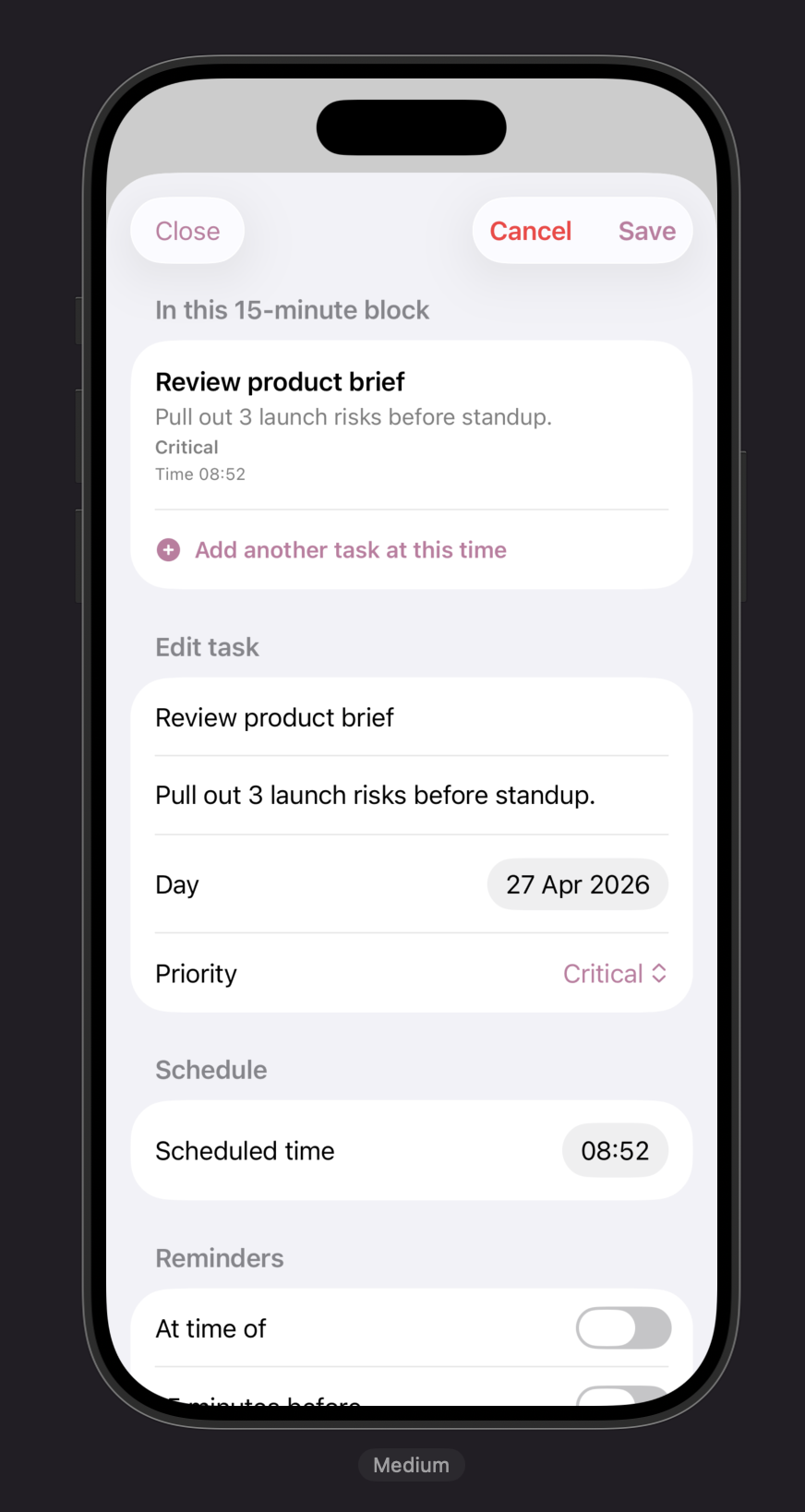
Secondary flows stay in focused drawers and sheets
Quick actions, preferences and task edits sit outside the main tabs as temporary surfaces.
Daily review
Review mode separates completed habits, missed tasks and carry-over
End-of-day summaries help decide what belongs tomorrow instead of turning missed work into noise.